We are having a problem logging in to RefWorks today - we have reported this to RefWorks and hope to have it fixed soon.
Tuesday, 21 January 2025
Thursday, 17 October 2024
RefWorks access is back
The recent problem logging in to RefWorks is now fixed. Please let us know if there are any further issues.
Tuesday, 15 October 2024
RefWorks login problem 15th October 2024
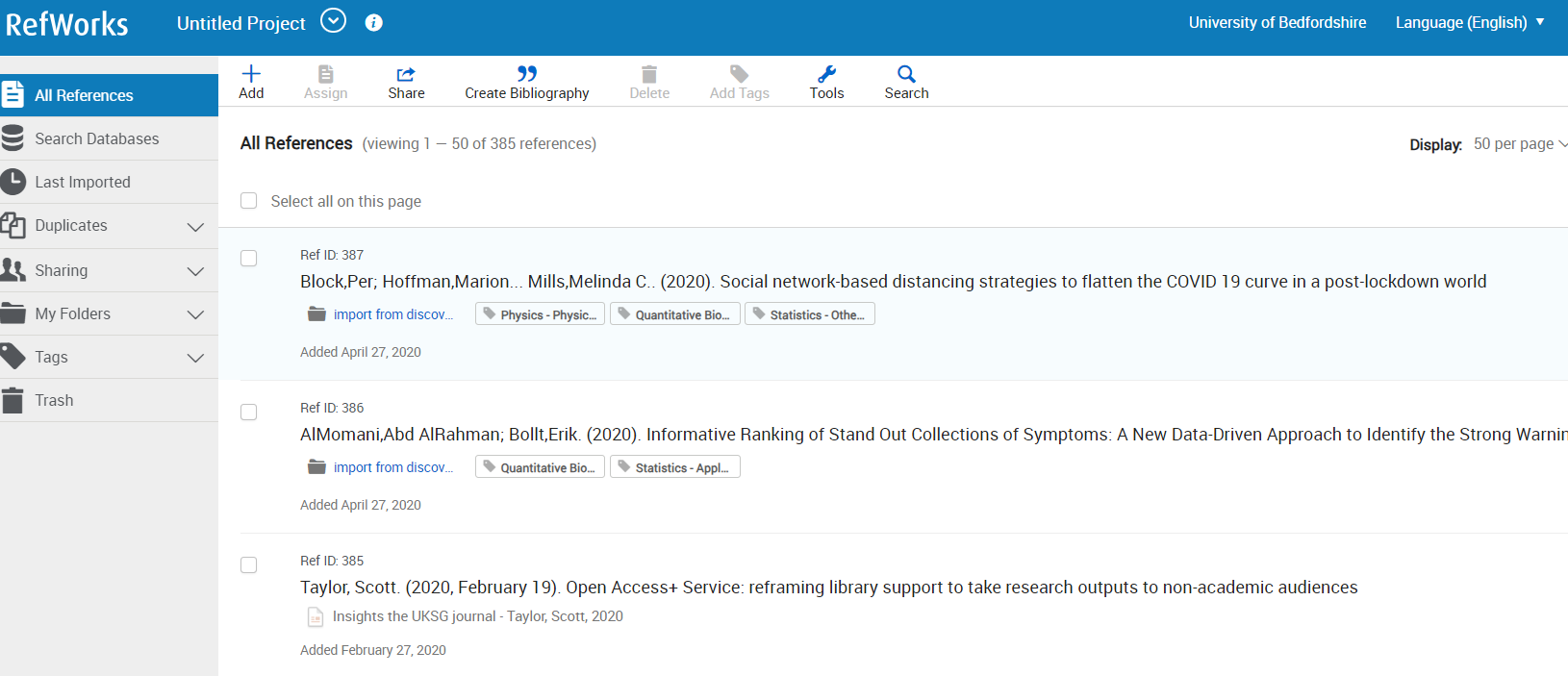
We are currently unable to log in to RefWorks - we have contacted RefWorks support for assistance and hope to have it resolved soon.
Thursday, 16 February 2023
RefWorks problem fixed
RefWorks have sorted out their issues and the system is up and running again. Please let us know at library.technical@beds.ac.uk if you have any further problems.
RefWorks problem
We are currently having a problem with access to RefWorks.
We are waiting for RefWorks support to resolve this issue.
Friday, 17 June 2022
RefWorks login problem fixed
We're happy to say that yesterday's problem is fixed and RefWorks login should be back to normal. If you get any further issues, please let us know.
Thursday, 16 June 2022
RefWorks login problem
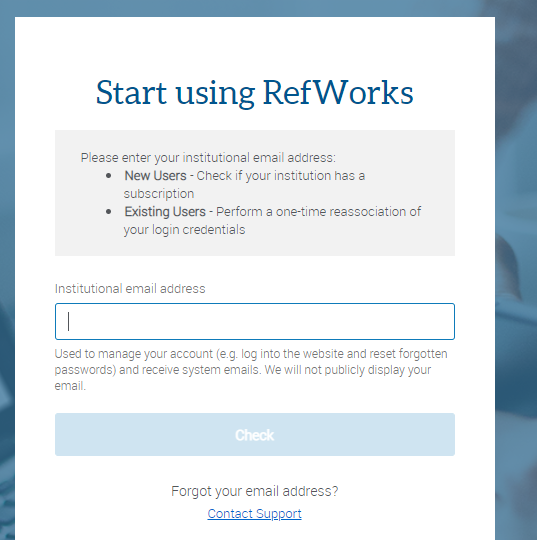
We are currently having an issue where RefWorks asks you to input your email address, sends you a confirmation email, but you are then unable to get past this page
Thursday, 7 October 2021
RefWorks login problem
We are having problems with RefWorks login this afternoon, with users reporting error messages. We have reported this to RefWorks and hope that it will be fixed soon.
Friday, 26 May 2017
RefWorks unavailable
Monday, 27 March 2017
RefWorks problems update
Tuesday, 11 October 2016
Login problems
Monday, 10 October 2016
No login to RefWorks
Thursday, 6 October 2016
"Which version of RefWorks would you like to export to?"
When we do make the change, we will let you know!
Thursday, 9 June 2016
Login problems
Tuesday, 2 February 2016
RefWorks login page confusion
We have reported our dissatisfaction with this to RefWorks, and hope that they will change it to add a login option we can use soon.
Wednesday, 8 January 2014
RefWorks back to normal
Tuesday, 7 January 2014
RefWorks login problem - blank accounts
If you already have a RefWorks account, and you are prompted to create a new one - don't do it. Report the problem to us and try RefWorks again later.
If your account has been affected please email us with your name and student ID number and we'll investigate with RefWorks.
Monday, 18 November 2013
RefWorks login is really confusing
There is a simpler way in here - this link takes you straight to our login page without having to navigate the main RefWorks page.
Thursday, 14 February 2013
Write-N-Cite login options
If you created your account a long time ago and have not yet gone through the process of linking it to your University username and password, you may find the Group Code together with your usual RefWorks username and password works for you. Otherwise, you will need to find your Write-N-Cite code - login to your RefWorks account, click the 'Tools' button on the toolbar then choose 'Write-N-Cite'. You'll see a page like this:
Copy the text from the Write-N-Cite Login Code box and paste it into the Write-N-Cite login screen. Don't copy the text from the image above - your login code is unique to your account!
Wednesday, 15 August 2012
RefWorks login issues
you will need to click the link "My Institution's Credentials (Shibboleth)". If you try to enter your university username and password in the "Login using RefWorks Credentials" box you will get a message "Invalid Group Code/id, Login Name or Password combination." The best way to login is to always use the link from the library catalogue. This will automatically take you to the right login screen.
If you have RefWorks bookmarked on your computer, change the link to https://www.refworks.com/RWShibboleth?providerid=https%3A//idp.beds.ac.uk/entity - this will take you to the right login screen.
If you haven't yet gone through the process of linking your RefWorks account to your University login, please do! It will mean you have one less password to remember, and that you can access RefWorks wherever you are without needing to use the group code.


